
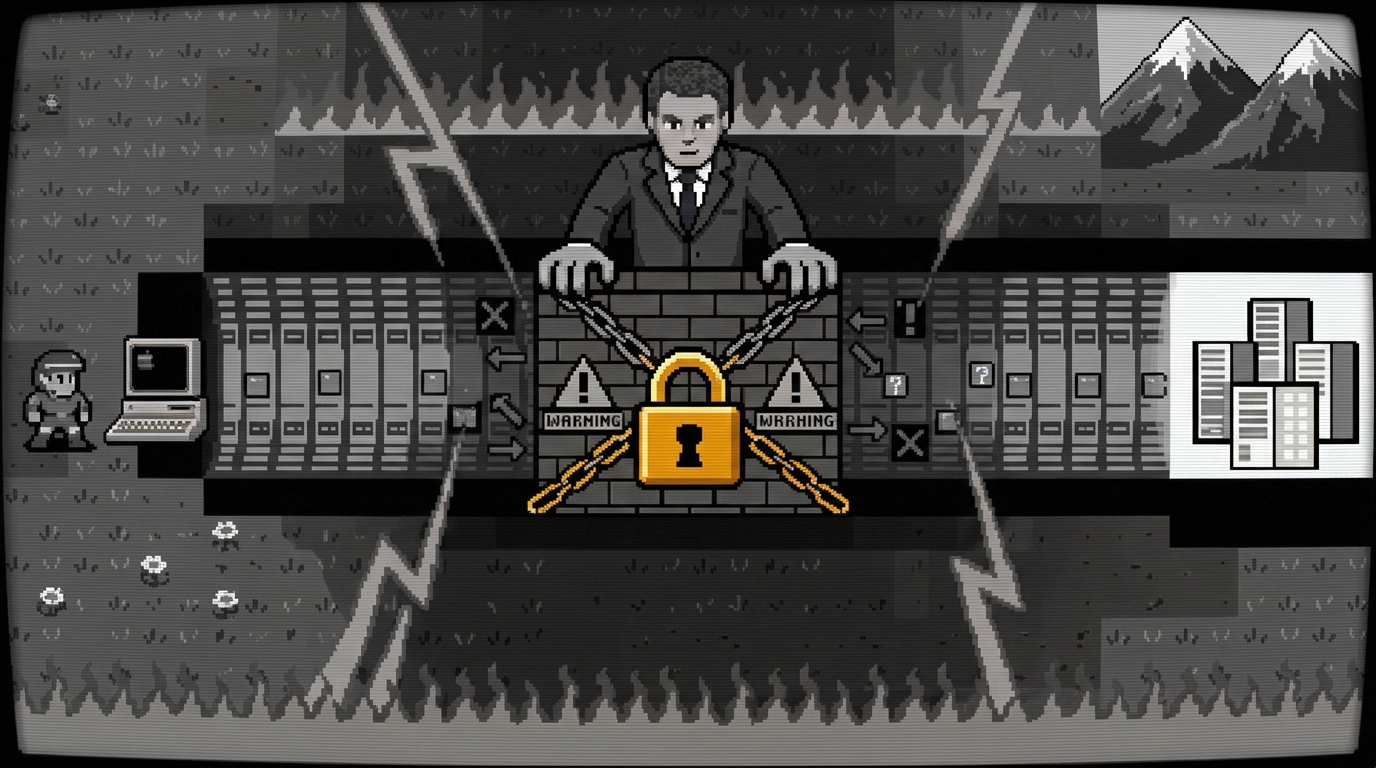
Russian censors are trying to block a popular protocol
On September 4 and September 21, 2026, the VPN Generator project channel reported problems with some of its VPN keys. We believe this was a new wave of attempts by Roskomnadzor (RKN, Russia’s federal regulator for communications, IT, and media) to block VPNs, including those using the VLESS protocol. Other sources also covered these blocks. On September 7 and 8, media reported complaints about VPN performance from different regions. On September 22, users complained that Blanc VPN and the hosting provider Aeza were unavailable. RKN made no comment. Verstka (an independent Russian media outlet) also reported that blocking intensified right after the State Duma “elections” and affected more than ten VPN services.
Pressure on VPNs is growing
In spring 2026, independent media reported that Roskomnadzor set a target in its own documents. The plan was to block VPNs with 92% effectiveness and extend its traffic control system to 98% of the Russian Internet by 2030. Journalists found the document in open data on subsidies to the Main Radio Frequency Center (an organization subordinate to RKN). After the media coverage, the document disappeared from the agency’s website. We already covered this in Review #6.
In November 2025, RKN made its first attempts to block VLESS by signature. Independent tech analyst Petr Losev was among the first to notice this. According to him, the system learned to single out this specific protocol, which until then had remained stable even in China.
On February 17, 2026, RKN tightened VLESS blocking again. This time it shifted from direct signature matching to indirect behavioral indicators. The domain did not match the traffic source, and the connection patterns were atypical for regular browsing. RKN rolled out blocking of the VLESS+Reality combination on the fixed-line operators Dom.ru, SkyNet, and Rostelecom.
The typical pattern looks like this. The TSPU (“technical means of countering threats,” the state-mandated deep packet inspection equipment installed on Russian ISP networks) lets the initial handshake through so it can read the unencrypted metadata (SNI). It also lets through roughly the next 16 KB of traffic for statistical analysis. The TSPU checks this data for “randomness.” If the traffic looks like completely unreadable noise and does not match the profile of regular browsing (for example, data transfer over HTTP/2), the TSPU terminates the session.
Technically, the TSPU can terminate a session in two ways. The first is a silent drop: the TSPU simply stops routing the session’s packets, and the client hangs while it waits for a response until the timeout fires. The second is active interference: the TSPU forges packets with the TCP RST (Reset) flag and sends them to both sides, forcibly tearing down the connection.
Starting May 21, 2026, RKN once again tested blocking of the VLESS protocol and Telegram proxies in several Russian regions, including Siberia, the Far East, and Moscow. The blocking targeted the VLESS TLS handshake on port 443. Meanwhile, SSH connections to the same servers kept working without issues.
In August 2026, RKN shifted from targeted blocking based on signatures and characteristic VPN traffic to blocking entire subnets of hosting providers where popular VPN services are concentrated. With help from major IT companies, RKN collected statistics on IP addresses. It identified several dozen autonomous systems (AS) that hosted popular VPNs, and blocked the associated subnets entirely. This spring, an analysis by RKS Global (a digital cyber-rights organization) showed that 30 out of 30 popular Russian Android apps, including Yandex services, Wildberries, Ozon, and MTS, look for VPNs on users’ devices. Some of these apps collected full lists of installed VPN clients. Cyber lawyer Sarkis Darbinyan linked this research to the following wave of blockings. That wave hit more than 20 popular circumvention services. According to Novaya Gazeta Europe and Euronews, those included Paper VPN, VPN Legend, GaMMa VPN, LTVPN, ABS, FoxyBot, and VPN Generator.
For example, the hosting provider HOSTKEY acknowledged that RKN blocked some of its IP addresses. Its FAQ directly explains what to do if you cannot reach your server from Russia over SSH and recommends switching to an IP address from an unblocked range. In the same FAQ, the provider confirmed that mobile operators (Yota, Beeline, MegaFon, Tele2) often blocked connections more aggressively than home internet providers. Russian hosting providers also face pressure from another direction. In spring 2026, lawmakers discussed amendments that would effectively ban hosting providers from hosting VPN service infrastructure. In late May and early June, a wave of outages swept through dozens of hosting providers in Russia at once.
The results of our testing
We tested whether VLESS configs from VPN Generator worked in the beginning and in the end of September. We ran the tests from three locations inside Russia and compared the results with a reference node in the EU:
- a reference node (EU, residential broadband),
- two measurement nodes inside Russia (Moscow and St. Petersburg, data centers),
- a measurement node inside Russia (St. Petersburg, end-user broadband).
We used two methods. The first was a plain TCP connection to the server (to check whether the address was reachable at all). The second was a full VLESS protocol handshake followed by a series of requests to a resource known to be blocked, with a 20-second interval between requests. The whole series took about three minutes to check if the session dropped after the connection was established.
| Node | Test | Result |
| Reference (EU) | TCP connection | No failures |
| Moscow (data center) | TCP connection | No failures |
| St. Petersburg (data center) | TCP connection | No failures |
| St. Petersburg (broadband) | TCP connection | No failures |
| Moscow (data center) | VLESS handshake + request to Instagram | 9 of 9 successful, consistent timing |
| St. Petersburg (data center) | VLESS handshake + request to Instagram | 9 of 9 successful. 2 of the 9 requests responded noticeably slower than the baseline (up to 7 seconds instead of the usual 1.7–1.8 seconds), but there were no disconnects |
| St. Petersburg (broadband) | VLESS handshake + request to Instagram | 9 of 9 successful, consistent timing |
On our nodes in Russia, we found no IP-based blocking and no signature-based VLESS session drops on VPN Generator’s free keys. Our nodes work while other users experience problems. This points to an uneven rollout of blocking updates across TSPU equipment. RKN is evidently targeting the subnets (AS) and TLS fingerprints of known VPN providers.
We also surveyed users of one of the “brigades” (user groups) of the free VPN Generator service (a brigade is a group of users who share keys to a single server). Most users reported satisfactory performance on home networks and frequent failures on mobile networks. This confirms what hosting providers say. Users in the brigade we surveyed also confirmed that when allowlists were enabled on mobile networks, many VPN services typically worked unreliably or not at all. This was expected. In the allowlist mode, only IP addresses on the whitelist were reachable. A VPN server will be unreachable regardless of its protocol (unless it is hosted on one of the allowlisted servers).
How RKN blocks the VLESS VPN protocol
The exact VLESS detection criteria are not public. However, the waves described above make it clear that RKN uses the following methods:
- Signature-based and behavioral traffic analysis (so that RKN does not accidentally take down half the internet).
- For large VPN services, blocking by IP addresses of their subnets.
- Active probing. When the TSPU detects a suspicious TLS handshake (for example, the SNI points to a popular website, but the IP belongs to an unknown hosting provider), it acts as a client and sends its own test request to that IP address. A VPN server may fail to convincingly pose as a regular web server (for example, if it has no fallback mechanism configured to redirect unauthorized requests to a real website). In that case, the TSPU classifies the node as a proxy server and blocks it.
RKN detects VLESS by signature
Three of the four VLESS blocking waves described above (November 2025, February 2026, and May 2026) relied on signatures. They targeted the TLS handshake on port 443, not the server’s IP address itself. The August wave, by contrast, hit entire subnets by IP addresses. Our results do not mean that blocking was absent on networks and operators outside our sample. Judging by the timeline, different waves hit different regions and operators rather than the entire country at once.
Indirect evidence suggests that one likely detection method compares the cover domain declared in the TLS ClientHello (SNI) with the actual infrastructure that owns the server’s IP address. Major brands like Google, Microsoft, and Apple run their own data centers and do not place infrastructure on ordinary VPS hosting. So if the SNI in the handshake points to google.com but the destination IP belongs to an ordinary hosting provider, that mismatch alone is a signal that a system can check automatically.
RKN blocks via domains and DNS
The domain written into the VLESS key itself (which the client uses to resolve the server’s IP address) is a separate issue from the SNI signature. RKN may block that domain via SNI on the ISP side, or your user’s DNS resolver may return a spoofed address. In either case, the key stops working regardless of what happens to the protocol and the server. We have already covered this mechanism separately in detail, along with specific DNS configuration recommendations.
RKN blocks hosting provider subnets
RKN has repeatedly tried to block entire subnets of hosting providers where VPN services are concentrated, rather than individual protocols or IP addresses. The TSPU rolls out this kind of blocking unevenly across providers and regions to avoid taking down half the internet at once. Self-hosted VPNs suffer from this. If you set up your own VPN on a foreign VPS, your server may end up blocked along with commercial providers simply because it sits in the same subnet. Nevertheless, widespread outages still occur across the Russian segment of the internet. For example, on April 3, 2026, a massive outage hit Sberbank, VTB, Alfa-Bank, T-Bank, Gazprombank, and the Faster Payments System (SBP, Russia’s instant interbank payment system) for several hours. Cybersecurity sources linked the outage to the TSPU failing to handle the volume of blocking rules and collapsing under the load. Neither RKN nor the Ministry of Digital Development (Mintsifry) officially confirmed this.
Recommendations for VPN service developers
- Check server availability at two different levels separately: the raw TCP connection and the full protocol handshake. For the first, a single command is enough:
nc -zv -w5 your_server port
For the second, you need a real client (xray, sing-box) with a working config, plus a curl check against any resource known to be blocked in Russia. - Test with a series of requests over 2–3 minutes rather than a single request. Some of the blocking waves in the timeline above do not trigger immediately. They kick in some time after the connection is established (the same “first 16 KB pass normally, then the connection freezes” pattern from the February wave). A single quick request may complete before the system detects and terminates the session.
- If your server is unreachable and you are in Russia, first check whether it is reachable from abroad. This immediately shows whether the problem is local to the hosting provider or caused by TSPU blocking on the Russian side. If you cannot check from abroad yourself, use public services like check-host.net (the service itself is Russian and was accessible from Russia at the time of publication). These services can check availability from different locations around the world via a browser.
- If the test shows the server is unreachable specifically from Russia, contact the hosting provider’s support directly and ask to move to an IP from a different subnet (a /24 range, not a single address). Unofficially, many hosting providers do this even if they do not advertise the option.
- When choosing a domain for SNI masking, avoid large, well-known brands (Google, Microsoft, Apple) where possible. Their infrastructure does not physically sit on ordinary VPS hosting, and automated checks can easily spot this mismatch between the SNI and the actual infrastructure. A less well-known domain that plausibly carries heavy encrypted traffic (for example, a corporate cloud or a niche video service) is a safer choice, especially if it is actually hosted with the same provider as your VPN server. Another option is your own website disguised as some kind of service and registered to the same IP. In that case, the SNI and the actual infrastructure match literally.
- Provide your users with backup configs: different masking domains (SNI), different browser fingerprints, and both IP-based and domain-based variants. If one of them gets blocked on a particular operator, the user can quickly switch to another and stay connected.
- If you run several servers and protocols, give users a single subscription link that pulls in all current configs at once, rather than a separate config for each combination. This is more convenient for users (they do not need to add and remove servers manually) and for you. When you replace a server or add a new one, users get the updated list automatically, and you do not need to send out new links or configs by hand.
- Set up a probe script with your configs on the largest home broadband providers in Russia (Rostelecom, MTS, ER-Telecom/Dom.ru, Beeline) and on at least two or three major mobile operators. The script should periodically check whether your servers and configs are reachable. When it detects a failure on any operator, it should immediately send you a status report, for example via a private Telegram bot. Telegram already encrypts the transport, so you do not need to set up a separate secure channel. When you receive such an alert, first rule out IP-based blocking (check whether SSH works from the same provider). If SSH works, start cycling through parameters (the SNI masking domain, the browser fingerprint) until you find a working configuration for that specific operator.